Plan.
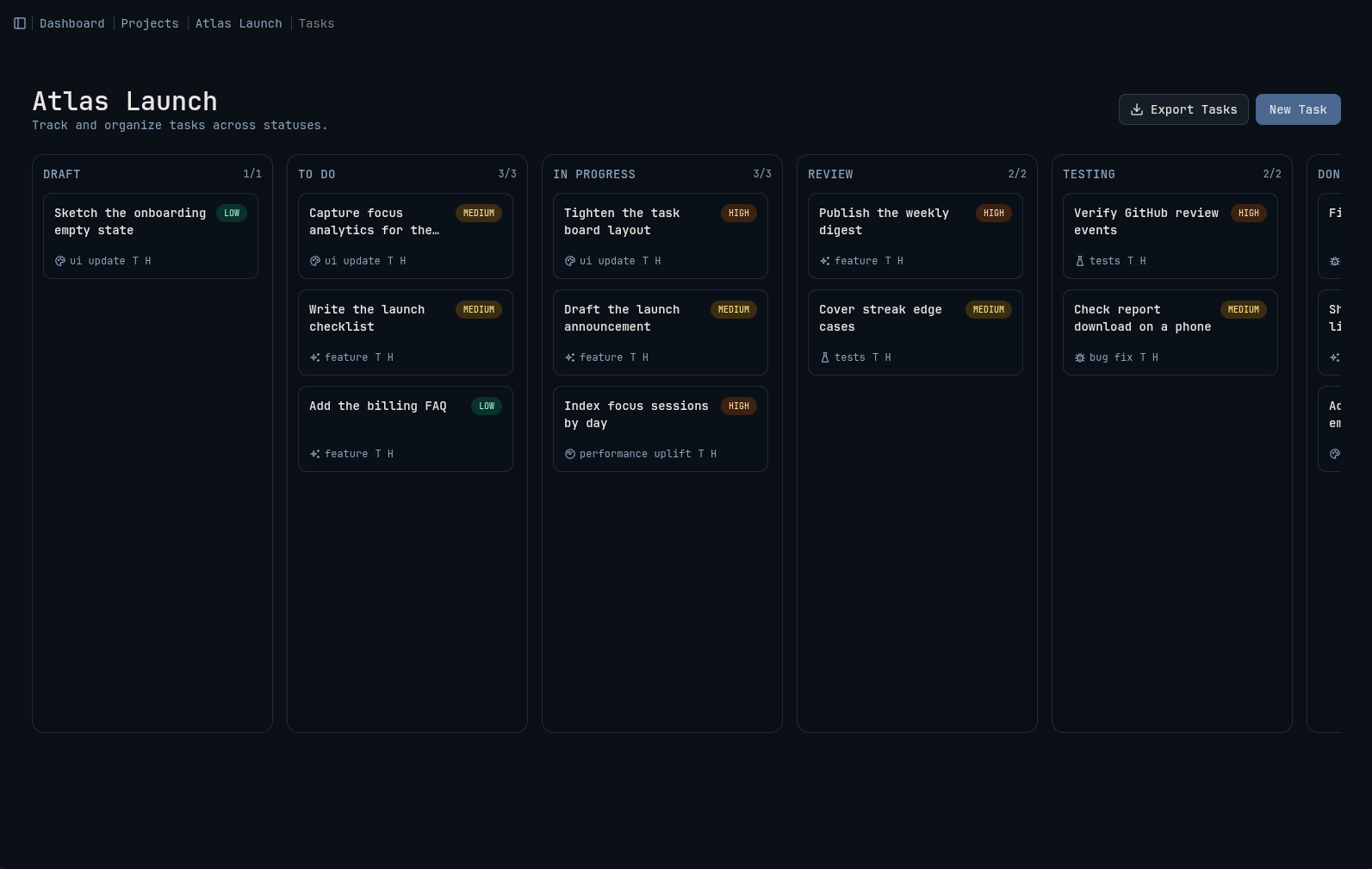
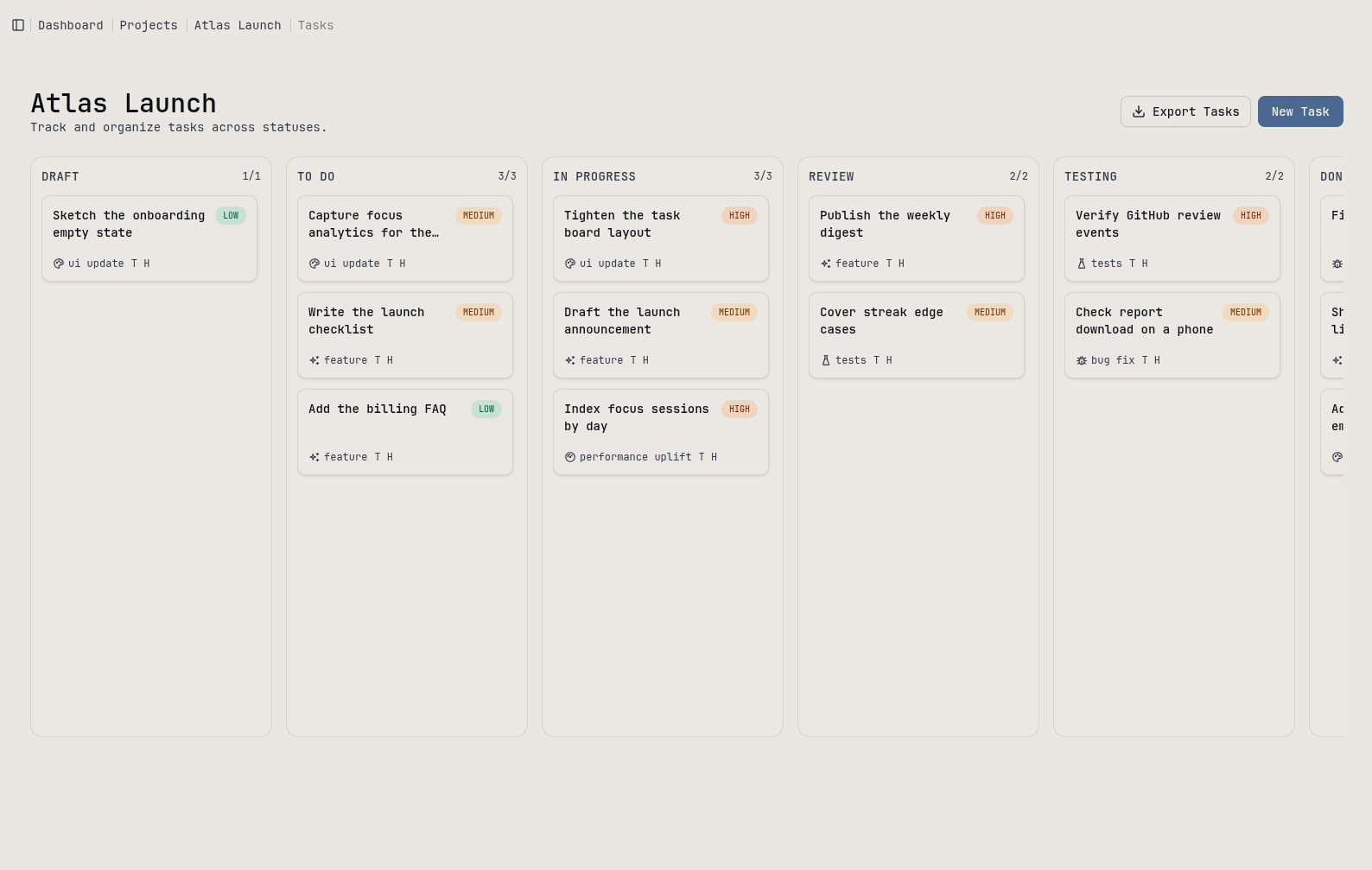
Break each project into tasks on a board, with its GitHub repositories linked alongside.
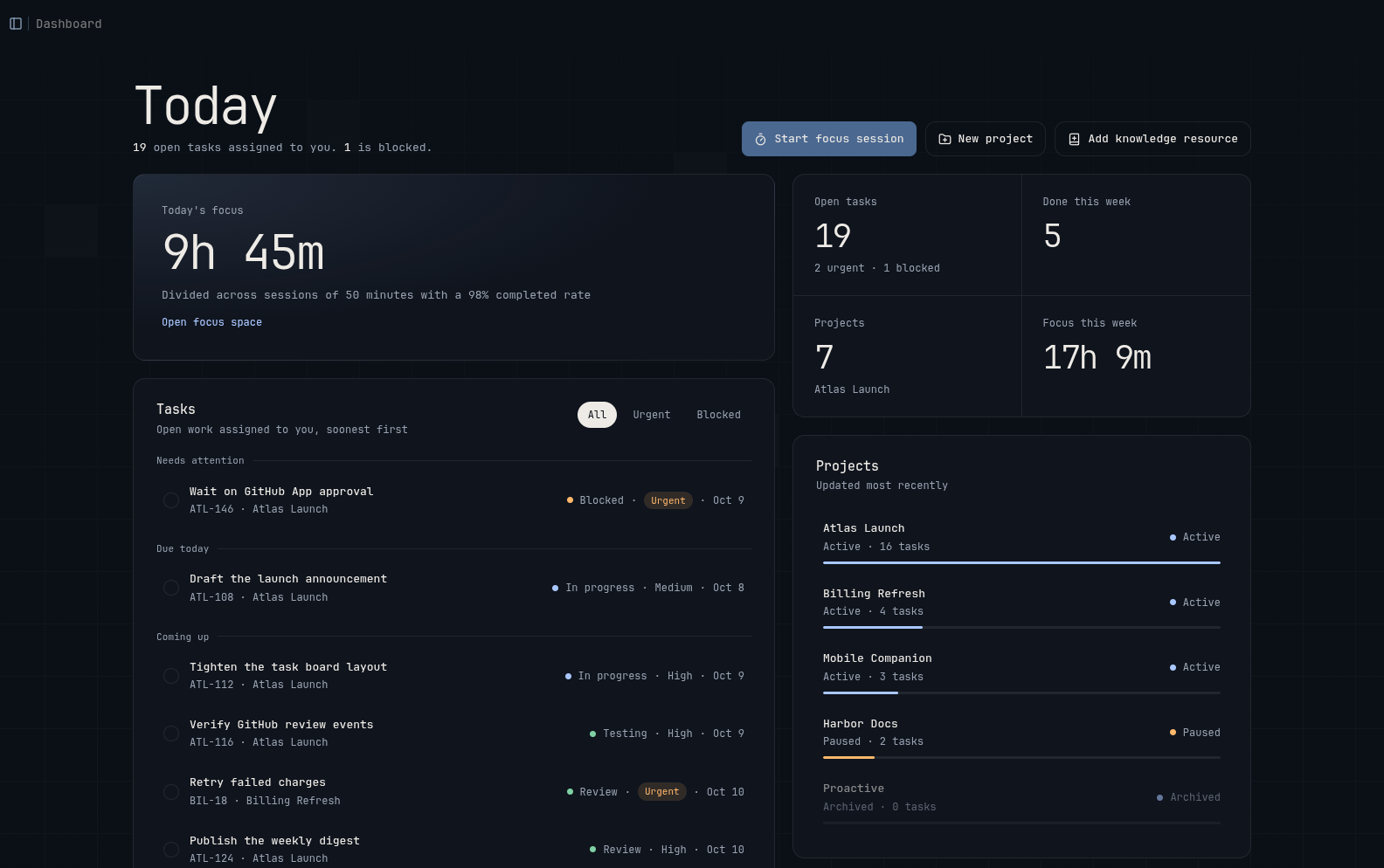
Projects, focus, knowledge and pull requests in one calm workspace, with an AI assistant that knows your work.
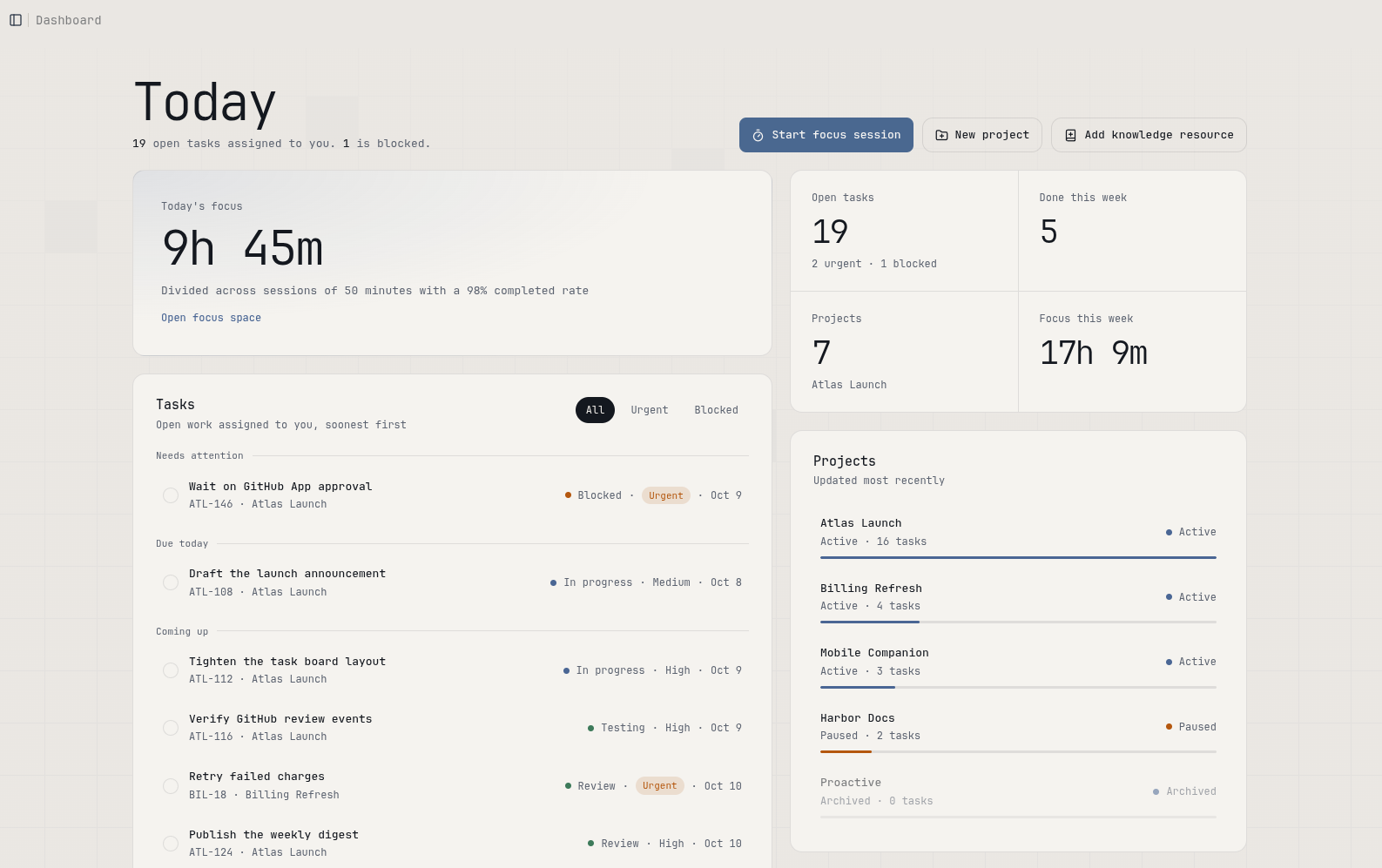
Most tools wait for you to update them. Proactive keeps up on its own, so the picture of your work is already true when you look at it.
Break each project into tasks on a board, with its GitHub repositories linked alongside.
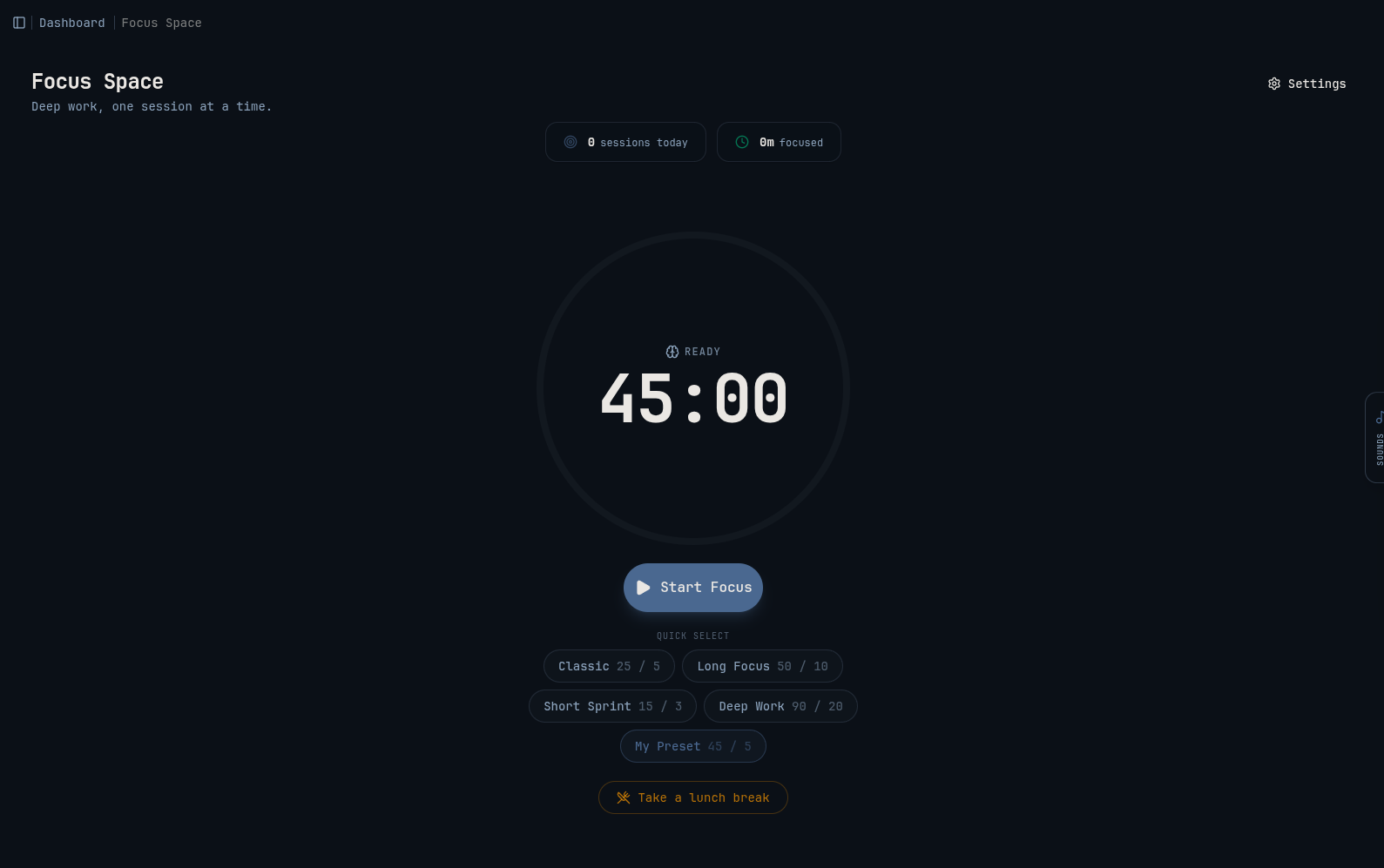
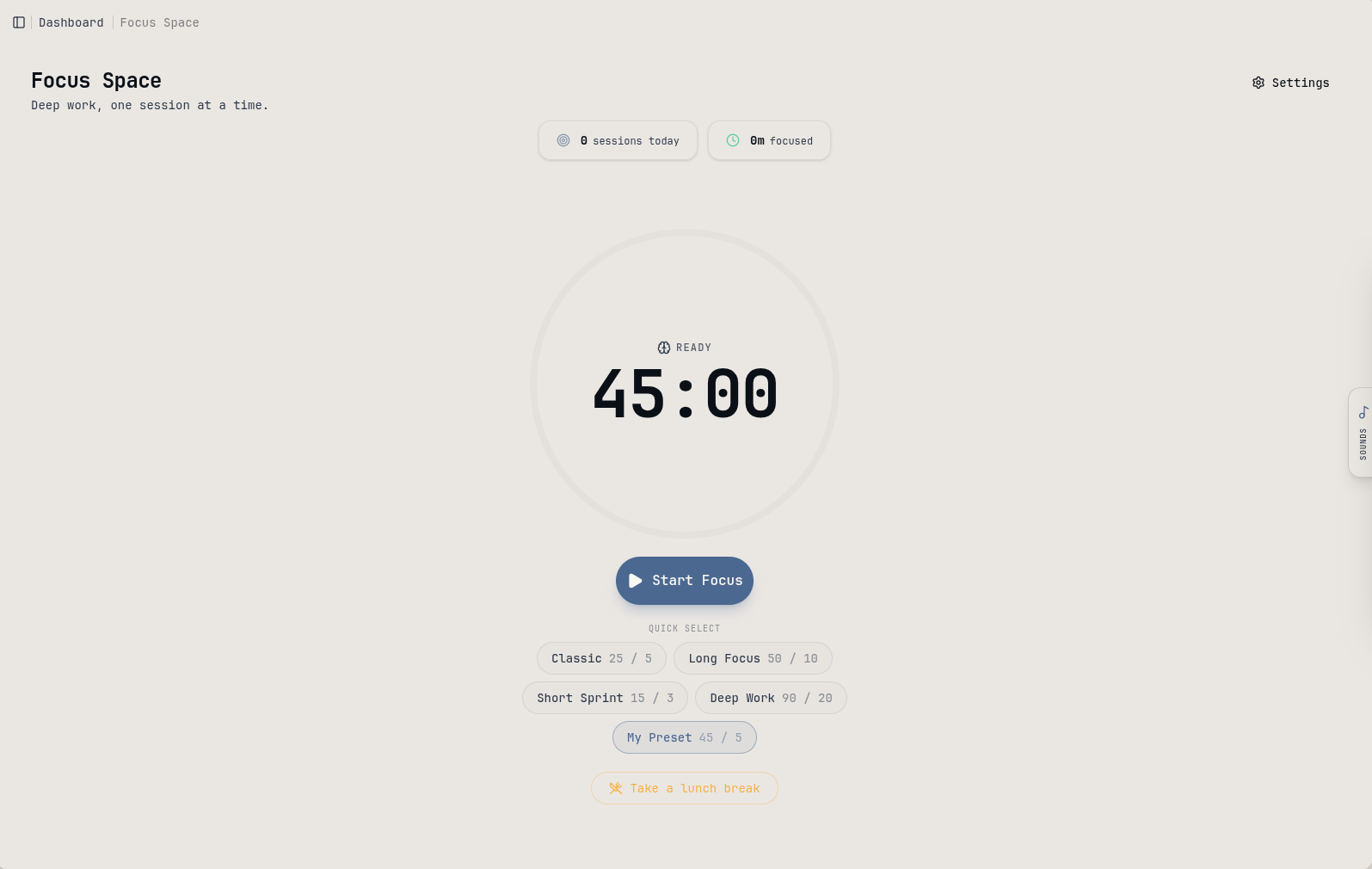
Run timed sessions with breaks and background sound. Every minute is counted for you.
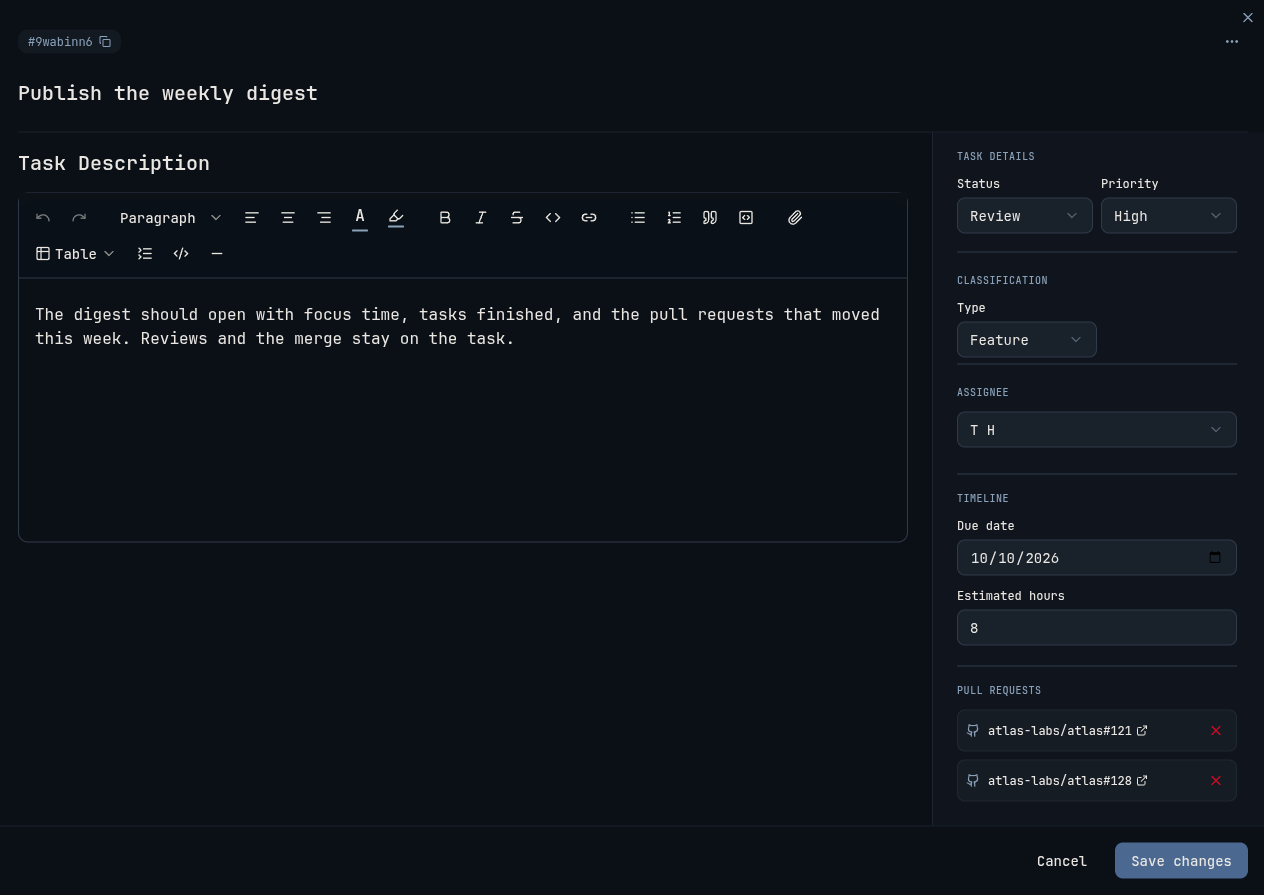
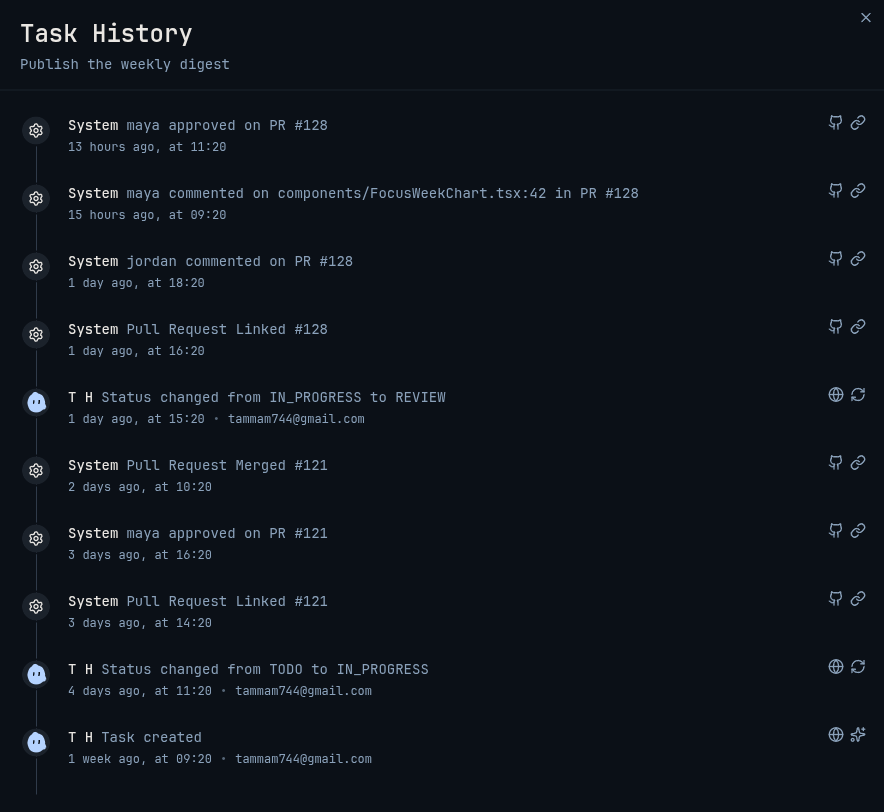
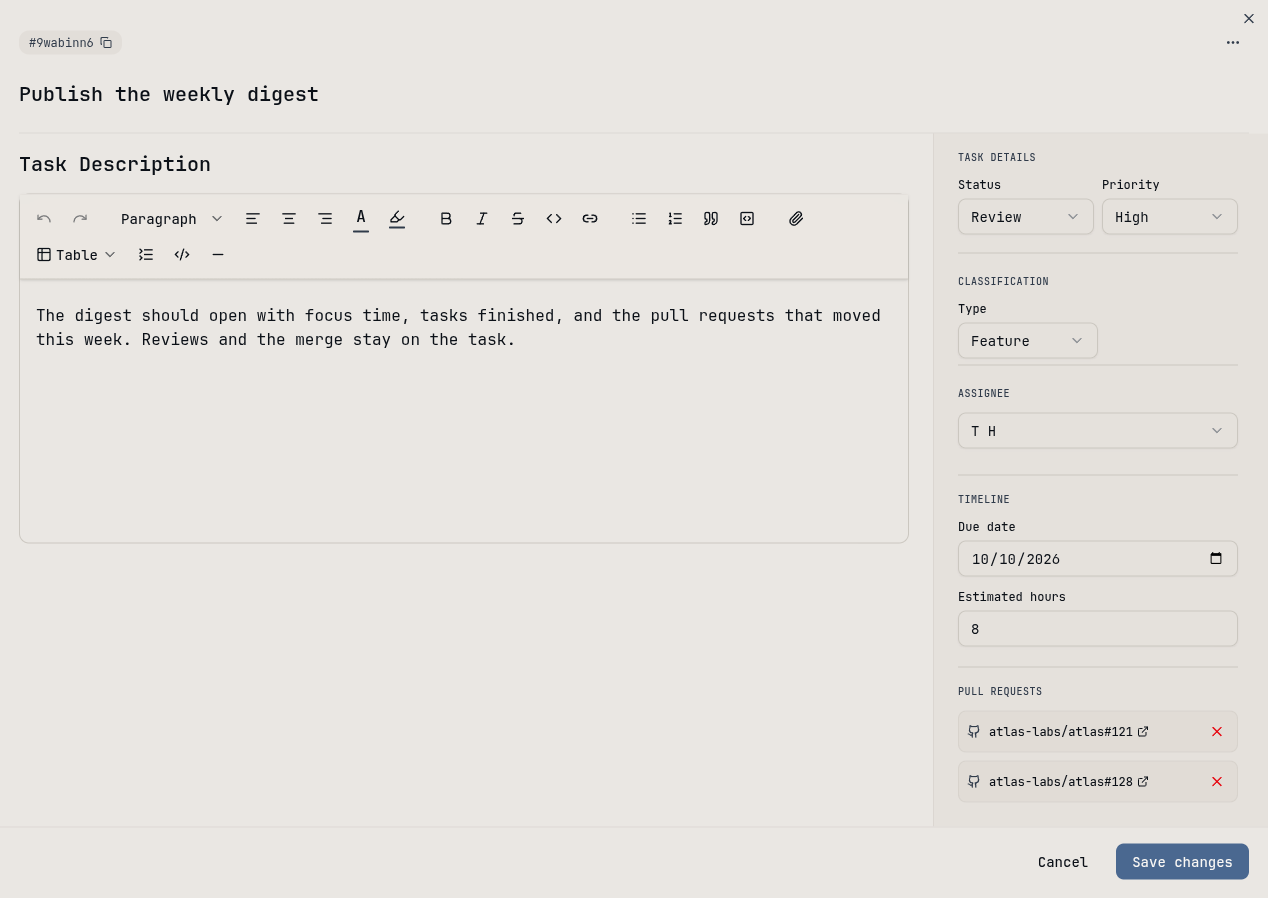
Link a pull request to a task, and its reviews, comments and merge appear there on their own.
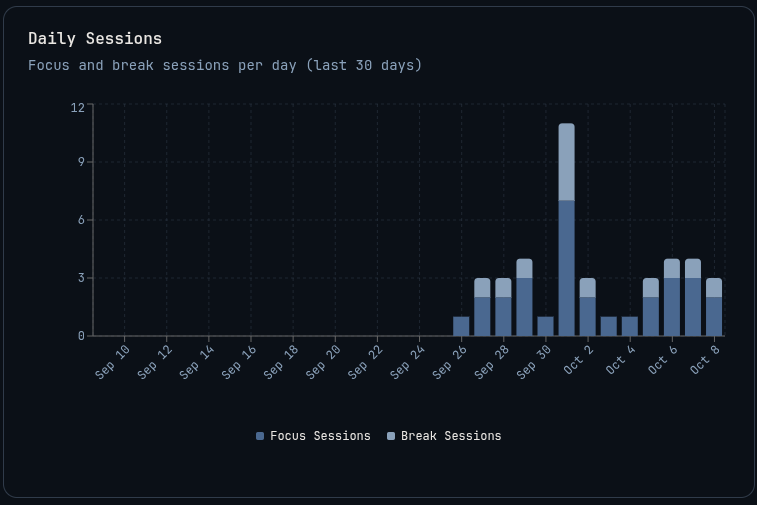
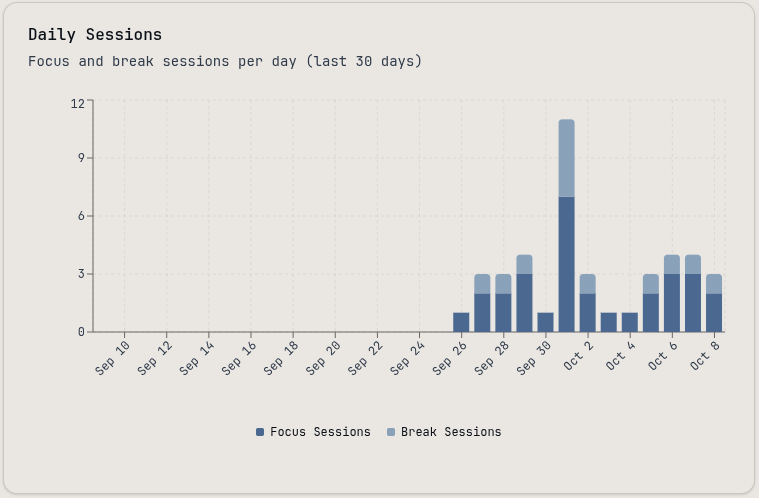
Focus time, completion rate and streaks by week or month, built from the sessions you already run.
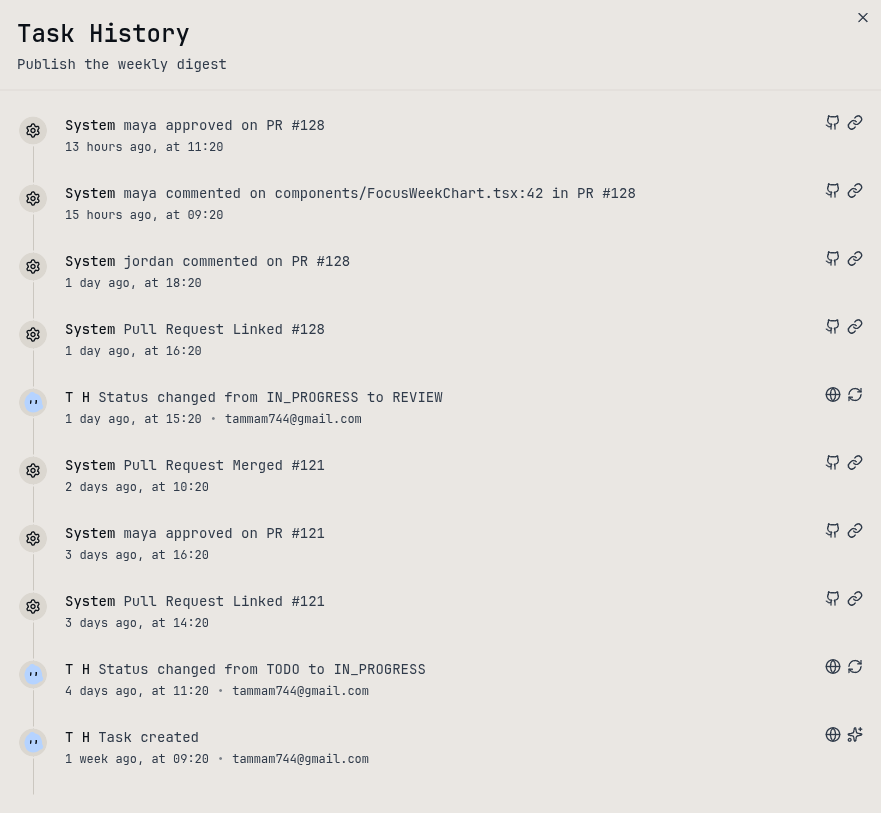
Pull requests, reviews and merges from GitHub land on the tasks they belong to, so status is never stale.
Projects, tasks, notes and pull requests circle the same place. When one goes quiet, you see it and pull it back.
Notes, commands, runbooks and prompts live in one vault—tagged, filterable and ready when you need them.
Notes, links, videos and docs with colored categories, up to 6 tags, and public share links.
Shell one-liners you can search, filter by category and copy in one click.
Numbered procedures you can filter and export as PDF.
Reusable AI prompts with variables, rich text and autosave.
Wire repositories to projects and hand your agents one credential. Slack is on the way.
Install the GitHub App, link repositories per project, and put [#TASK-ID] in the PR title so opens, reviews, review comments, PR comments and merges show up on the task.
One agent credential with read or write scopes. Rotate or revoke anytime, and call the public API v1 from your own agents.
Read the developer docsVector answers questions about your focus time and tasks and summarizes what's open. It lives one click away on every page and runs on agentic access with your own OpenAI or Anthropic model.

Yesterday you logged focused work on two tasks and closed a pull request review.
Daily, weekly and monthly summaries arrive as in-app notifications, drafted by AI from your activity so you can download them as PDF or JSON.
Covers yesterday in your timezone.
Monday to Sunday in your timezone.
The full calendar month in your timezone.
Weekly report
Mon 29 Sep – Sun 5 Oct
A focused week: deep work on the auth refactor, nine tasks closed, and a six-day streak held through Friday.
Export focus sessions, analytics and reports as JSON or CSV whenever you want.
Connect GitHub, pick the repositories each project sees, and disconnect in one click.
A command palette for moving fast, plus API tokens and developer docs for everything else.